Skip to product information
1 of 20

Hacker

Hacker

For the builders, modders, and setup obsessives who want full control over every detail. The Hacker Pack is the ultimate cable management kit, packing 8 of every component plus color-coordinated channels in red, blue, white, and black so you can organize cables by type, device, or purpose at a single glance.

Built around the same screw-mounted grid system, the Hacker Pack gives you enough components to wire up the most complex setups imaginable. Multi-PC battlestations, streaming rigs with dedicated audio and capture lines, home labs, dual-desk workspaces — if it has cables, this pack can manage them. And with four colors to work with, you can color-code power, data, peripherals, and accessories so you'll never have to trace a cable again.

Each cable channel uses the same two-piece magnetic design. One half clips permanently to the grid while the magnetic cover locks firmly into place, letting you drop cables in, snap it shut, and keep everything secure. Need to swap or reroute a cable later? Pop the magnetic cover off, make your changes, and snap it back on in seconds with no tools, no cutting zip ties, and no rebuilding your setup.

Maximum components, maximum flexibility, and a color system designed for people who take their setup seriously.

What's Included

  • 8× Grid Panels the foundation of the system. Mounts to the underside of your desk and connects with every other component.
    Dimensions: 252mm × 224mm
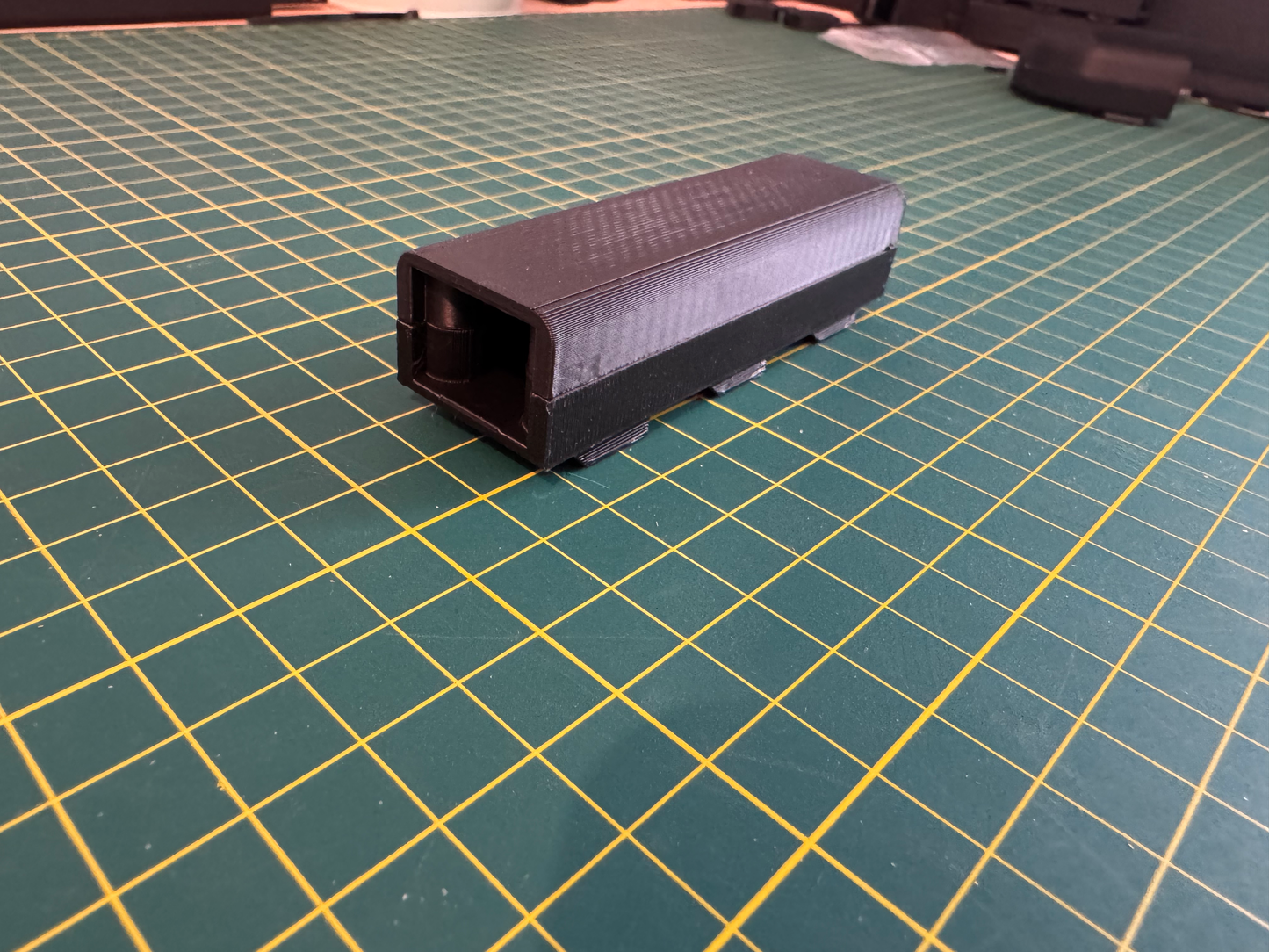
  • 8× 3-Cell Channels (2 red, 2 blue, 2 white, 2 black) compact magnetic channels designed for short cable runs, small detours, and tight spaces.
    Dimensions: 84mm × 26.4mm
  • 8× 6-Cell Channels (2 red, 2 blue, 2 white, 2 black) extended magnetic channels for larger cable runs along the back or front edge of your desk.
    Dimensions: 168mm × 26.4mm
  • 8× 9-Cell Channels (2 red, 2 blue, 2 white, 2 black) long-run magnetic channels built for full-length cable paths across wide desks and large workstations.
    Dimensions: 252mm × 26.4mm
  • 8× Corner Pieces (2 red, 2 blue, 2 white, 2 black) magnetic 90° routing pieces that guide cables neatly around desk legs, corners, and edges.
    Dimensions: 54.4mm × 54.4mm
  • 8× Zip Tie Pieces fixed anchor points for securing power bricks, adapters, and heavier cables underneath your desk.
    Dimensions: 25.6mm × 25.6mm

Why You'll Love It

  • Maximum component count for the biggest, most ambitious setups.
  • Color-coordinated channels in red, blue, white, and black for organizing cables by type, device, or purpose.
  • Includes the new 9-Cell Channel for the longest, cleanest cable runs.
  • Magnetic channels make adding or changing cables fast and effortless.
  • Fully modular layout lets you design and redesign your cable routing anytime.
  • Keeps cables hidden underneath the desk for a cleaner, more minimal workspace.
  • Compatible with any desk surface you can screw into.

Built for the people who don't just want clean cables but want a system they can customize, color-code, and perfect down to the last detail.

Regular price £89.99 GBP
Regular price Sale price £89.99 GBP
Sale Sold out
Taxes included.
Quantity

Out of stock

View full details

Starter Pack Sale Live

Express Tracked Shipping

30 Day Money Back Guarantee

See the difference

Drag the slider to compare before and after.

After Before Before After
  • Grid Panels × 3

    The backbone of the whole system. Screw these to the underside of your desk and every other component clicks straight onto them.
    252mm × 224mm

  • 3-Cell Channels × 3

    Compact magnetic channels for short cable runs, small detours, and tight spaces. Drop cables in, snap shut, done.
    84mm × 26.4mm

  • 6-Cell Channels × 3

    Extended magnetic channels for longer runs along the back or front edge of your desk. Snap the cover off anytime to reroute — no tools needed.
    168mm × 26.4mm

  • Corner Pieces × 3

    90° routing guides that turn cables neatly around desk edges, legs, and corners. Keeps runs looking intentional, not improvised.
    54.4mm × 54.4mm

  • Zip Tie Anchor Points × 3

    Fixed mounting points for power bricks, bulky adapters, and anything too heavy for a channel. Gets the dead weight off the floor and out of sight.
    25.6mm × 25.6mm

1 of 5

What is a Clip Cable?

The grid vs. the mess

Why switch to ClipCables

Zip ties and tape are a temporary patch. ClipCables is a system built to move with you.

ClipCables
Zip ties, tape & hooks
Setup
Screw 3 grid panels under the desk, click the channels on — done in under 30 minutes
Measure, cut, and tie off every single cable one at a time
Rerouting a cable
Pop the magnetic cover off with a finger, drop the cable in, snap it shut
Cut the old tie or peel the tape, then re-secure everything from scratch
The look
Every cable runs flat and hidden under the desk on the grid
Cables stay visible, dangling from hooks or draped over the edge
Holding power
Magnetic hold shrugs off daily knocks but pops open the second you need it to
Adhesive weakens within weeks, hooks and clips work loose
Expanding your setup
Add more channels, corners, or anchors any time — every piece is sold separately
Buy a whole new kit, or improvise with whatever's left in the drawer
Power bricks & adapters
Zip-tie anchor points get bulky adapters off the floor and out of sight
Power bricks sit on the floor or dangle awkwardly off a hook
Moving desks
Unscrew the panels and bring the whole system with you, reinstall anywhere
Cut everything off and start over with new ties and tape
Cost over time
One kit, reused and reconfigured for years
Replaced every few months as ties snap and tape peels off

Phase 1

A Tricky Situation

Take a look at your cables right now. Stuffed behind the desk, draped across the skirting board, snaking along the wall, you've learned to ignore them. But they're still there, collecting dust, getting kicked every time you move your chair, and making the whole room feel messier than it needs to be.

Phase 2

The Cheap Fix

Most cable management feels flimsy the moment you touch it. Plastic clips that snap, trays that bow under the weight, Velcro that loosens after a week.

And when your setup changes, a new monitor, a different PC, a desk in a new room, you're back on the floor with a pair of scissors, cutting zip ties and starting from scratch.

Phase 3

The Final Solution

One modular grid. Magnetic channels that snap open and shut in seconds. A layout you design once and never have to fight again. Everything hidden, everything secured, everything exactly where you put it, whether that's today, or two monitor upgrades from now. No more mess. No sagging trays. No starting over. Just a clean desk, done properly.

Show me...

got a question?

FAQ's

Will this work with my desk?

If you can screw into the underside of it, yes. The grid panels mount with standard screws and work with wood, MDF, and most solid desk surfaces. If your desk has a hollow or very thin top, a mounting pad or adhesive alternative will do the job.

How difficult is it to install?

Most people have the grid mounted and cables routed in under 30 minutes. You'll need a screwdriver and a rough idea of where your cables run. After that, the channels and corners click into place, no measuring, no drilling, no specialist tools.

How do the magnetic channels actually hold?

Firmly enough that cables stay put day to day, but easy enough that you can pop the cover off with your fingers when you need to. The magnetic hold is designed to resist the light pulls and knocks of normal desk use but not be difficult to open every time something changes.

What if I need to add more components later?

Every piece in the system is sold separately, so you can expand whenever you need to. Buy more channels for a new cable run, add corners for a different routing path, or pick up extra anchor points for a new power brick. Nothing locks you into what came in the box.

Can I take it with me if I move desk or office?

Yes. Unscrew the grid panels, pop everything off, and reinstall wherever you end up. Because nothing is glued or permanently fixed, the whole system comes with you without any damage to the components.

Is it compatible with cable sleeves or existing management I already have?

Yes. The system works alongside anything you already use. Run cables through a sleeve first and then route the sleeve through the channels, or use the anchor points to secure anything that doesn't fit neatly into a channel.

How many cables can fit in a channel?

It depends on cable thickness, but most channels comfortably fit 3–5 standard cables side by side. Thinner cables like USB or audio can be bundled together, while chunkier runs like power cables may need a channel to themselves.

My cables are different lengths, will that be a problem?

No. The modular layout means you design the routing to suit your specific setup. Shorter channels handle tight runs, longer channels cover bigger spans, and corners redirect wherever you need them. Excess cable length can be looped and tucked inside a channel or secured with an anchor point.

30 Day Money-Back Guarantee

Your satisfaction is paramount. If you're not completely happy with your purchase, you can return it within 30 days for a full refund—no questions asked.

Enjoy peace of mind with every order.

30 Day Money-Back Guarantee

Built by two friends, with one shared hatred of cable clutter

We tried the zip ties, the Velcro, the trays that end up turning into a snakes pit. Nothing let us actually rearrange anything once it was set up. So we built our own — magnetic channels that click open and shut, panels you can expand or take apart in minutes. No mess. No guesswork. Just a setup that works.

Need a custom piece or package?

Working on something bigger?

We regularly support IT managers, facilities teams, contractors, AV installers, and data centre operators across the UK. Whether it's a single fit-out or a multi-site rollout, we'll work with you to scope the order, confirm pricing, and deliver to your timeline.

When you get in touch, it helps if you can include:

  • The project scope and environment (office fit-out, server room, data centre, etc.)
  • Approximate quantities and any required specs (lengths, gauge, connectors, custom pieces)
  • Delivery location and target install date
  • Anything useful — drawings, cable schedules, or rack diagrams welcome

Email us at info@clipcables.com with the details and we'll come back to you with a tailored quote.

* Minimum order value: £500.
This reflects the sourcing, preparation, and dispatch work involved in bespoke or large-volume orders. For phased projects, we're happy to discuss split deliveries to match your install schedule.